

Schedule Board
One timeline for every pitch, lodge, glamping tent and RV spot you have. Arrivals, departures and what is free are readable at a glance, and you change them where you are looking at them: drag a booking to another unit, stretch a stay by two nights, click straight into the reservation. Everything you change is live for the rest of your team immediately.
- Live
- Included in the PMS
- On every plan
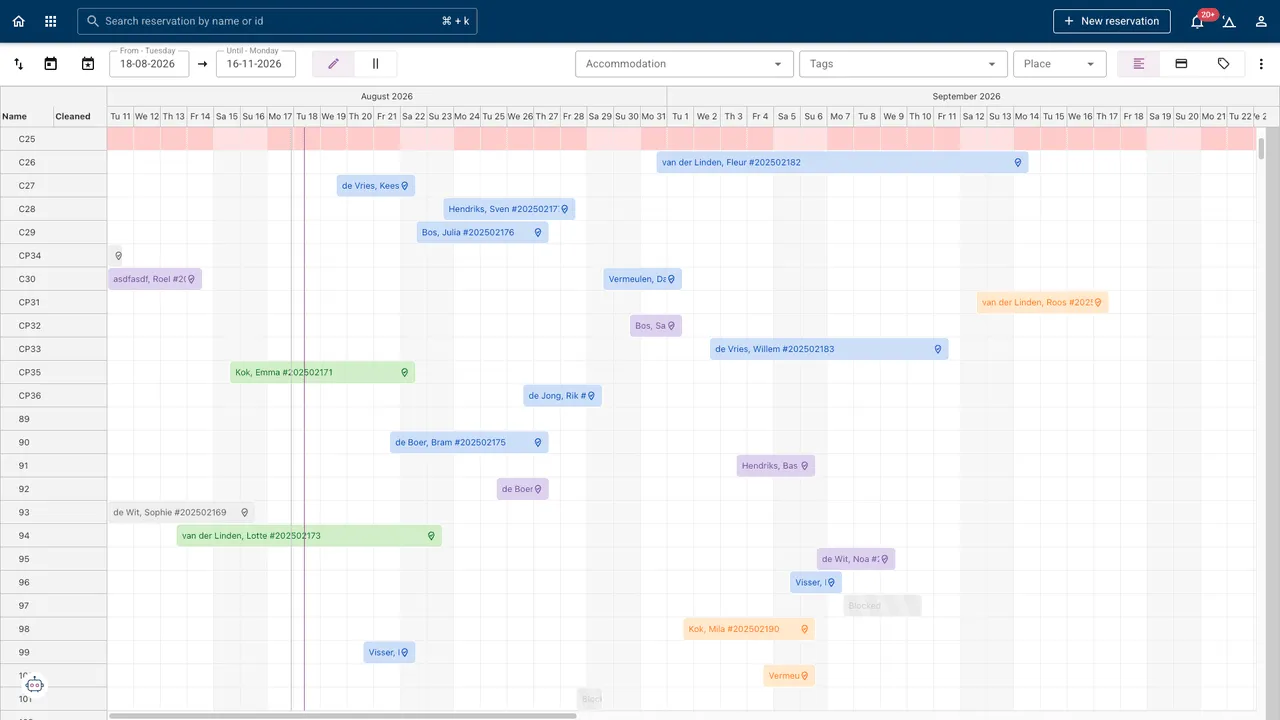
One screen instead of four
- 1Place the planning lives
- DragTo move a guest
- SeasonOr a single day
Read it, filter it, change it
Grouped the way your park is laid out
Objects grouped by accommodation type, with status colours on every booking, so an arrival that has not checked in yet and a lodge that is still to be cleaned are both visible without opening anything.
The filter bar does the finding
Narrow the board to one accommodation type, to an attribute, or to a guest status: the free pet-friendly units on Thursday, say, or everyone still to arrive today. It is how you answer a question at the desk while somebody is standing in front of you.
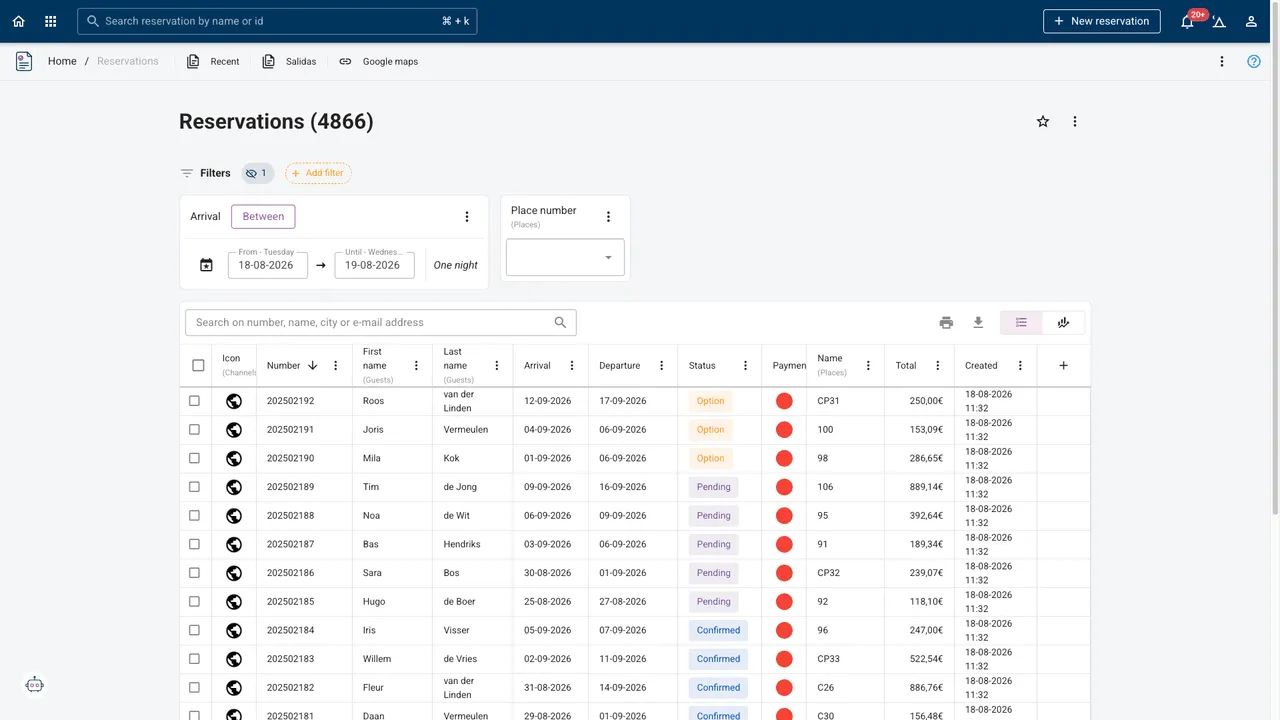
Cleaning status on the same board
With the free Cleaning App the crew marks a unit done on their own phone and it changes colour here. Reception can see which lodge can take the early arrival without walking over to look.
The Cleaning App →Why a timeline and not a calendar
A campsite is not a hotel with interchangeable rooms. Pitch 31 is near the sanitary block, lodge 4 has the view, the RV spot at the end is the only one a nine-metre camper fits on. Which object a guest is on matters, and it matters more the fuller you are.
So the board has one row per object and one column per day, and the booking is a bar you can see the length of. That is what makes a two-night gap visible before it costs you the week, and what makes moving one party to free up a run of nights something you do by eye rather than by arithmetic.
It is also why availability that only exists per accommodation type (which is all some booking channels can express) needs watching. That is not the board's limit; it is theirs.
Frequently asked
Can two people work on the board at once?
Yes. It is one shared planning, and a change one person makes is what the next person sees. There is no version to reconcile.
Can I move a booking to a different unit after the guest has paid?
Yes. Drag it to the other object; the reservation keeps its guest, its invoice and its payments. Only the place changes, and the channels are told the availability has.
Does it work on a tablet at the desk?
Yes. It is the same board in the browser. On a phone the least important columns fold away rather than shrinking to the point of being unreadable.
Can I see the whole season at once?
Yes, that is one of the view modes. Use the day view for working through arrivals and the season view for spotting where you are thin.
Which plan includes it?
Every one. The schedule board is part of the core PMS, not an add-on.