

Booking.com
Connect your Booking.com property to Camping.care once and stop keeping two calendars. A rate you change here updates every connected rate there, a booking on any channel takes the availability down, and reservations land in your schedule board within the minute, with the guest's later changes and cancellations following on their own.
- Live
- Two-way sync
- You install it yourself
One calendar, kept in step for you
- 30sFrom booking to schedule board
- 1Price list to maintain
- 0Availability updated by hand
- AllPlans include it
Three steps to your first synced rate
- 1
Install and connect
Install the Booking.com app, accept the permissions, and enter the Property ID from your Booking.com admin panel. If Camping.care is not yet your channel manager there, the app walks you through adding it. It then reads in every accommodation and rate on the account by itself.
- 2
Match rooms and rates
Open the property and pair each Booking.com room type with the Camping.care accommodation it really is. Then pair the rates. You can run rates that exist only for Booking.com, so its price and availability stay under your control rather than following your desk prices.
- 3
Let it run
From then on price changes push out, bookings come in, and guest changes and cancellations arrive with them. Every exchange is written to the log in the app, so a sync you want to check is checkable.
Beyond "it syncs"
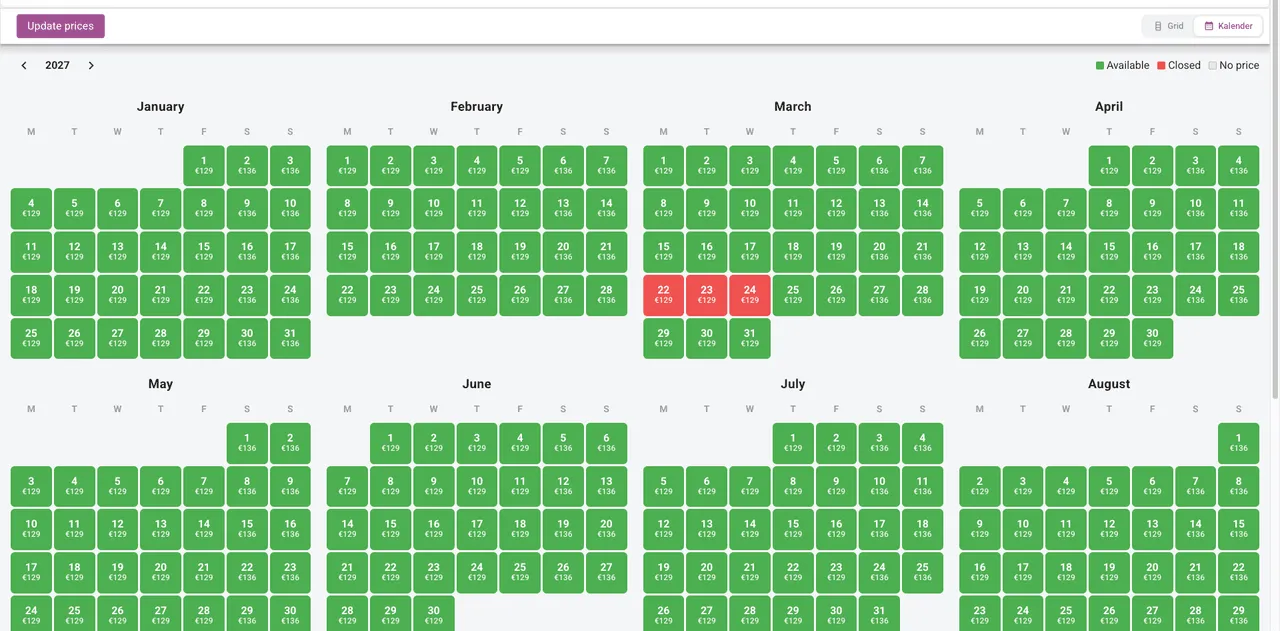
Your rate calendar is the source
The rates you already maintain for the desk and your own booking engine are the ones that go out. Booking.com does not sync per-extra-guest pricing, so set each rate for the accommodation's full occupancy (a four-person lodge priced for four), and what the guest pays there matches what you meant to charge.
Bookings arrive locked, on purpose
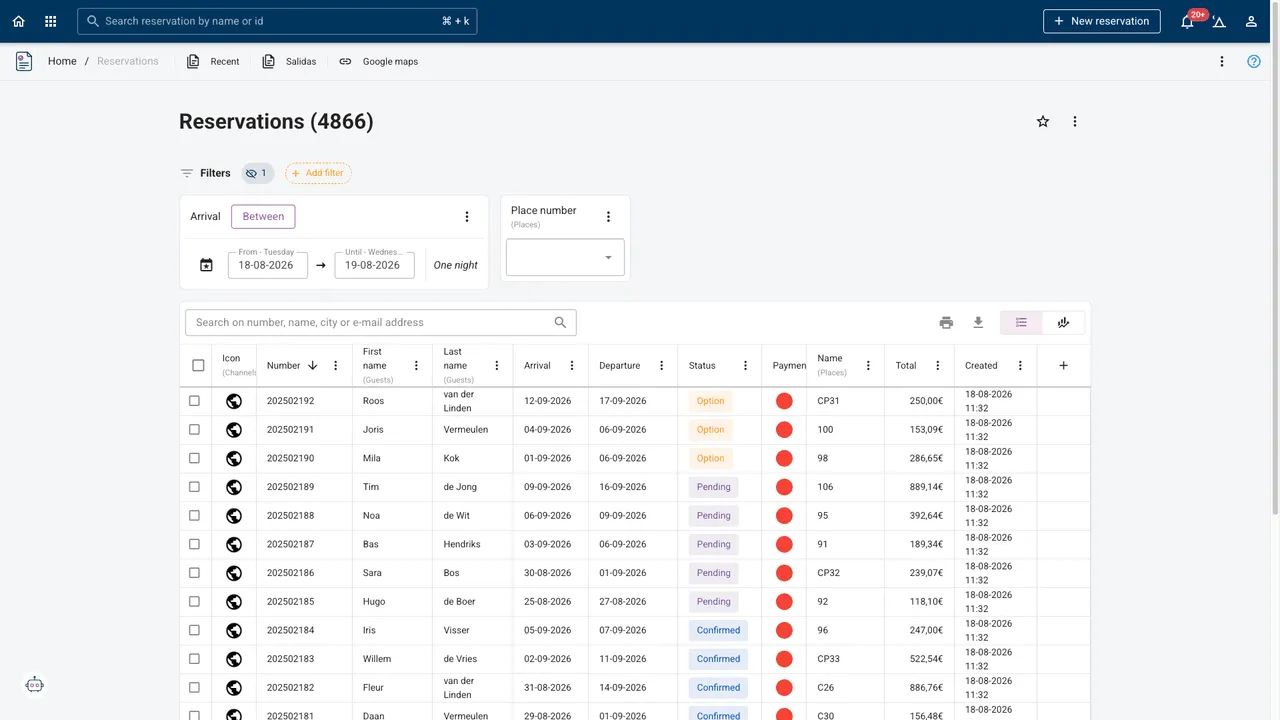
Booking.com lets a guest change their reservation whenever they like. So its bookings arrive locked in Camping.care. The work your desk does on a reservation cannot be quietly overwritten the next time the guest touches it in their confirmation email.
Fees land on the right ledger
Cleaning, bed linen, tourist tax: add them in Booking.com under Property, Policies, Additional fees & charges, then map them to your own products in the app's product settings. They come through as your products, on your invoice, against your ledger accounts.
Two things to know before you switch it on
Booking.com works at accommodation-type level, not per object. It can only be told how many Comfort Pitches are free, never which ones. That is Booking.com's design, not a limit of the connection, and it has two consequences worth planning for.
Staggered stays. Because it cannot reserve a specific pitch, arrivals and departures can land so that you are left with two-night gaps you cannot sell. In busy weeks, work with fixed arrival and departure days, close the gaps with blockades, or hold one unit back from Booking.com and move its bookings across when things quiet down.
A one-minute window. We can only collect bookings once a minute, and it is our system that then tells Booking.com the availability has changed. Between the last cottage being taken and Booking.com processing the new availability, a second booking can come in, confirmed to that guest immediately. We accept it and it shows on your board as a double booking. Nobody can close that window from outside Booking.com, so during full weeks it is worth making one unit fewer available there.
Non-XML rates never arrive at all. Booking.com sometimes invites you into a promotion built on a non-XML rate. Those bookings are not passed to any channel manager, so they will not reach Camping.care. If Booking.com offers you a special deal, ask whether it uses non-XML rates before you accept, and if you do accept, keep watching the extranet for them.
One more practical note: your existing Booking.com reservations have to be entered by hand once. Booking.com hands a channel manager only the bookings made after the connection exists, and never hands them over twice. Everything already on the books when you connect is yours to enter.
Frequently asked
How quickly does a Booking.com reservation reach me?
Bookings are collected about every thirty seconds and are on your schedule board as soon as they arrive. Changes a guest makes afterwards, and cancellations, come through the same way.
Can I keep different prices on Booking.com than at the desk?
Yes. Create rates that only Booking.com uses and connect those. Its price and its availability are then yours to steer separately from your own booking engine.
Can I connect more than one Booking.com property?
Yes. Several Booking.com properties can point at one campsite in Camping.care, which is how parks with separate listings for pitches and lodges keep one planning.
Why can't I edit a Booking.com reservation the usual way?
It is locked deliberately. The guest can change their booking on Booking.com at any time, and an unlocked reservation would have your desk's corrections overwritten by that. Changes go through the channel.
Is overbooking really possible?
Yes, in a roughly one-minute window, and it comes from how Booking.com hands over bookings and availability. The practical answers are fixed arrival days in peak weeks, blockades on gaps, or holding a unit back from the channel. We would rather tell you that up front than have you find out in August.
Something did not sync. Where do I look?
The Booking.com app has its own log, and there is a system-wide one under Settings, Logs. After a bigger price change it is worth checking the extranet once. We cannot guarantee Booking.com processed every update, and the log tells you what we sent.